- Home
- Health Needs Fit
- Low Vision Friendly Scooter Features
- Mobility Scooter Display Features
Mobility Scooter Display Features for Low Vision (No Guesswork)
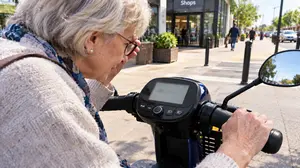
Picture this. You're riding to the shops on a bright Tuesday morning, and your scooter's display—the one that looked fine in the showroom—has turned into a pale grey rectangle. You lean forward, squint, tilt your head, and still can't tell whether the battery is at 40% or 15%. You're not asking for much. You just want to glance down and know what your scooter is telling you. That's exactly what the right mobility scooter display features can give you—and it starts with understanding what “readable” actually means.
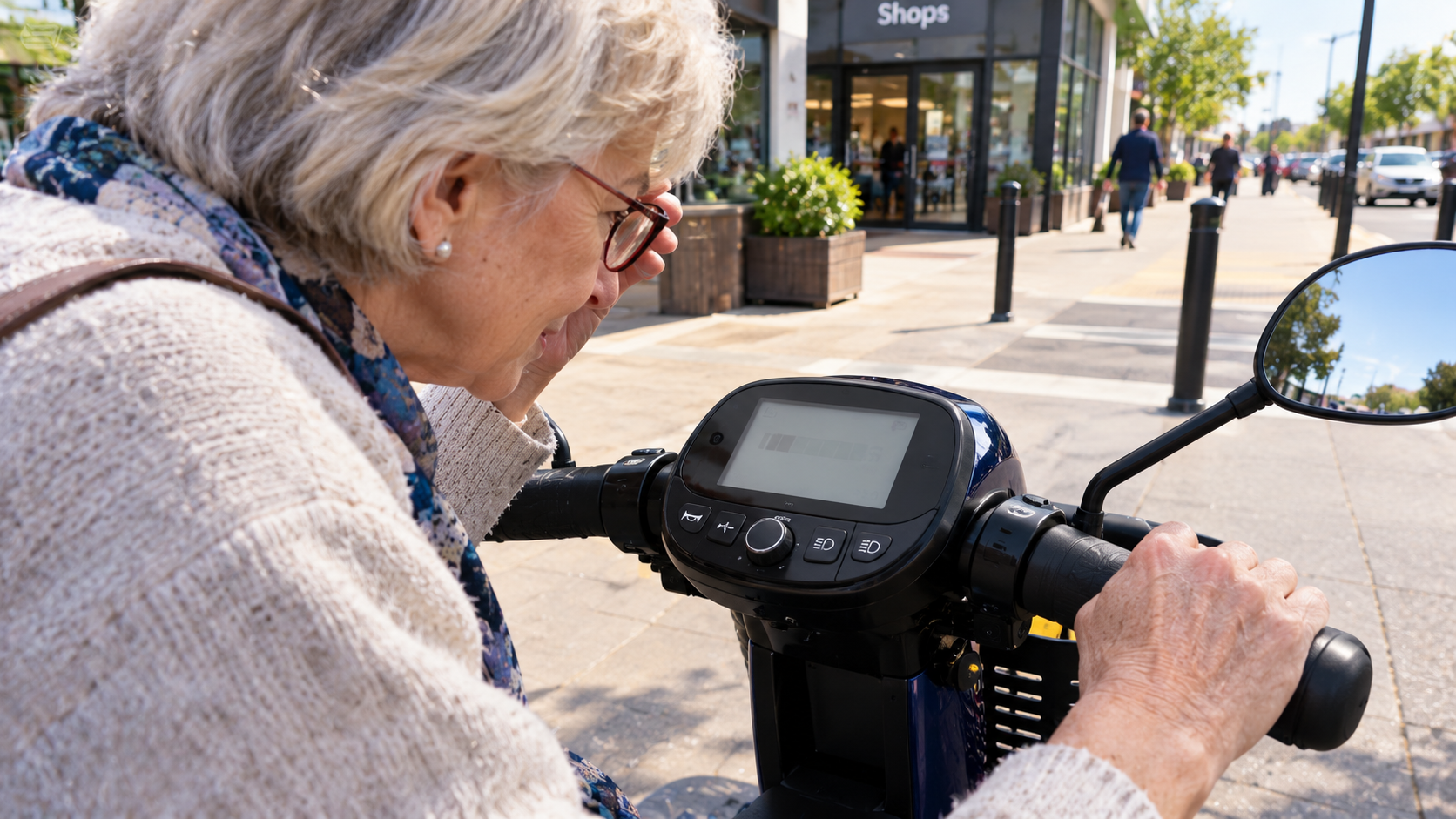
The search for readable displays isn't about finding the fanciest screen. It's about matching three quiet design choices—contrast, font size, and backlighting—to the way your eyes work. Once you know what to look for, the guesswork disappears.
Let's walk through it together, one feature at a time.
Why Displays Matter More Than You Think
Your scooter's display is your main source of feedback. Speed, battery level, trip distance, temperature, and—on some models—diagnostic alerts all live there. If you can't read it, you lose the information that keeps you confident and in control. And here's the part most buyers don't realise: contrast sensitivity affects scooter driving performance.
Research on slow motorised vehicles found that participants with contrast sensitivity below a clinical cut-off performed worse on on-road scooter tests, with more collisions and lower scores. In plain terms, if your eyes struggle to tell light from dark, the display is one of the first places that struggle shows up—and one of the easiest places to fix.
So what does “readable” look like in practice?
Contrast: The Feature That Does Most of the Work
Contrast is the difference in lightness between the text and its background. A high-contrast display might show white text on a black background, or black text on a pale grey background—the key is that the letters stand out sharply rather than blending into a low-contrast wash of grey-on-grey.
Why does this matter so much? Because contrast sensitivity declines with age and with many low-vision conditions, and a low-contrast screen effectively asks your eyes to do extra work every time you glance down. Some control panels use coloured buttons and lights rather than plain black and white, and the RIDC (Research Institute for Disabled Consumers) notes that colours and lights can make controls more noticeable and help you remember what each button does. That's contrast doing practical work: separating the thing you need from everything else.
The practical test is simple. Look at the display from a normal riding distance. Can you distinguish the digits and icons instantly, without leaning or squinting? If not, the contrast isn't working for you—and no amount of “modern styling” makes up for it.
Font Size and Layout: Bigger Isn't Always Better (But It Usually Helps)
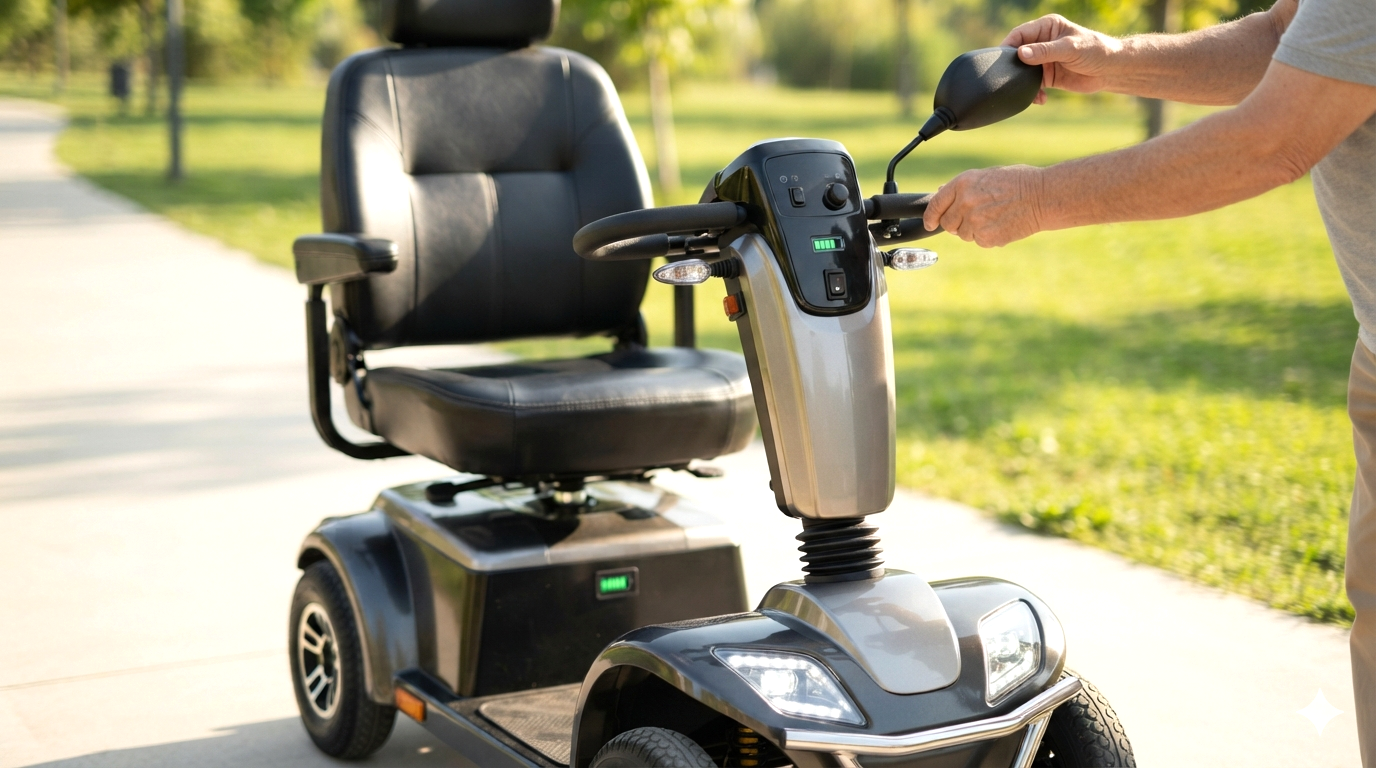
Font size matters, but so does layout. A large font crammed into a small screen becomes cluttered; a moderate font on a clean, well-spaced display can be far easier to read. The best displays prioritise the information you need most—speed and battery level—at the largest size, with secondary data like trip distance or temperature shown smaller.
Some scooters go further. One patented design describes a display where font size is adjustable by the user, specifically so that information like the odometer can be shown “in a size which an elderly user can perceive without vision enhancement”. That's the gold standard: a display that adapts to you rather than expecting you to adapt to it.
When you're evaluating a scooter, ask yourself: which number is biggest? If the answer is anything other than speed or battery, the layout wasn't designed with you in mind.
Backlighting and Light-Sensitive Displays: Readable in Any Light
Backlighting is what keeps a display legible in dim conditions—under a canopy, in a tunnel of trees, or on a winter afternoon. Many scooters now offer backlit LCD controls that illuminate the screen from behind, and some allow you to adjust the backlight intensity so it's comfortable rather than blinding.
Then there's the next step up: light-sensitive displays that automatically adjust their brightness to the ambient light. One product description puts it plainly: the display “adjusts to the light so it stays easy to read—a real help if your eyesight isn't as sharp as it was”. Another model advertises a large, clear colour display that shows key information “even in bright sunlight”. This is the feature that solves the showroom-versus-real-world problem: a display that looked fine indoors but becomes unreadable outdoors is a display that fails you when you need it most.
For a deeper look at how backlighting and contrast work together, our guide to mobility scooter display features that are most readable for low vision breaks it down further. (Coming Soon!)
But there's one more enemy of readability we need to name.
Glare: The Quiet Saboteur
Glare doesn't just make a display harder to read—it can make it functionally invisible. Sunlight hitting a glossy screen turns it into a mirror. Reflections from wet pavement or a white wall can wash out the display entirely. This is why matte, anti-glare surfaces matter so much, and why a hooded or recessed display can outperform a larger, glossier one.
The fix isn't only about the screen itself. Adjustable tiller angles let you tilt the display away from the sun. A sun hood can shade the screen without blocking your view of the path. And if glare is a persistent problem, it's worth reading our dedicated guide to reducing screen glare on a mobility scooter display, which covers sunlight readability strategies that don't require modifications. (Coming Soon!)
Glare is also why the test drive matters so much. A display that's readable in a showroom is not the same as a display that's readable on a bright day—and the difference only shows up when you test it in real light.
That brings us to the most practical part of this guide.
The Sunlight Test: How to Evaluate a Display Before You Buy
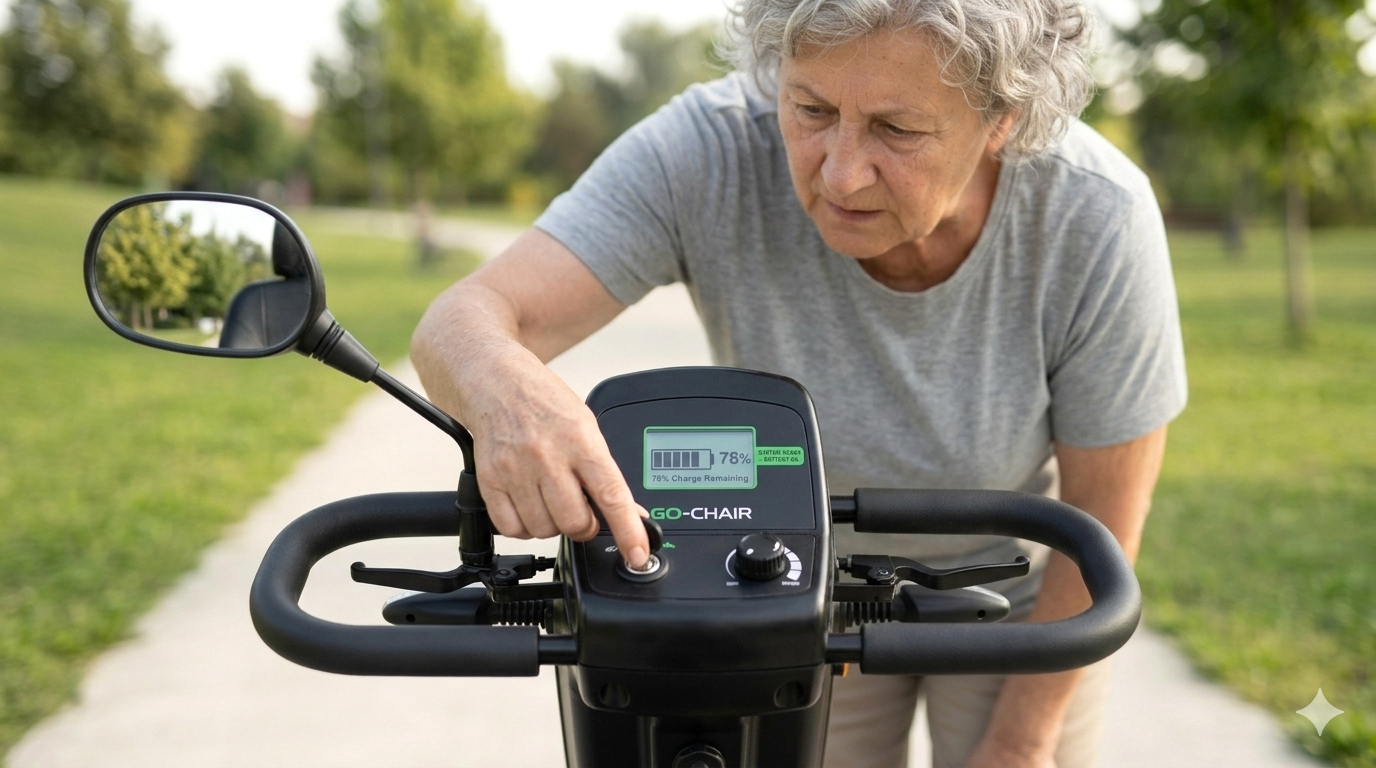
Don't just look at the display. Test it. Here's a simple sequence you can run at a dealer or in a demo:
- The arm's-length check. Sit in a normal riding position and see whether you can read the display without leaning forward. If you have to move your body to read the screen, the layout or font size isn't working for you.
- The window test. Ask to face the scooter toward a window or doorway. Can you still read the speed and battery level? If the display becomes a pale rectangle, that's a red flag.
- The shadow test. Move into a dimmer area. Is the backlight bright enough to keep the display legible, or does it become too dark? If the backlight is adjustable, try it at both extremes.
- The glance test. Look away, then glance back for one second. Can you absorb the key information in that single glance? A readable display should work at a glance, not after five seconds of squinting.
This sequence is the heart of a proper low-vision-focused test drive, and it's worth running on more than one scooter so you have a baseline for comparison. A good dealer will welcome these tests. A poor one will change the subject—and that tells you something too.
The Features That Make a Display Low-Vision Friendly (A Quick Checklist)
Here's the shortlist you can take with you:
- High contrast: sharp separation between text and background, not grey-on-grey.
- Large, well-prioritised font: speed and battery level should be the biggest items on the screen.
- Adjustable or automatic backlighting: legible in dim light without becoming blinding.
- Matte or anti-glare surface: no mirror-like reflections in sunlight.
- Hooded or recessed display: shade without blocking your view.
- Adjustable tiller angle: so you can tilt the screen away from glare.
- Light-sensitive brightness: automatic adjustment to ambient light.
Not every scooter will tick every box, but the more boxes it ticks, the less daily friction you'll feel. And if you're weighing up a scooter against a power wheelchair, our comparison of mobility scooter vs power wheelchair for low vision (Coming Soon!) covers how display and control differences play out in practice.
A Final Word (Before the FAQs)
You don't need a perfect display. You need one you can read, trust, and glance at without breaking your concentration on the path ahead. Contrast, font size, backlighting, and glare control are the four levers that make that possible—and now you know how to test each one.
The next time you sit on a scooter, you'll know exactly what to look for.

Frequently Asked Questions
What mobility scooter display features are most readable for low vision?
High contrast (sharp text-to-background separation), a large well-prioritised font, adjustable or automatic backlighting, and a matte anti-glare surface. These four features do most of the work.
Is contrast or font size more important for readability?
Contrast usually matters more, because low-contrast text is hard to read at any size. Ideally you want both—high contrast and a font large enough to read at arm's length without leaning.
Do light-sensitive displays really help in sunlight?
Yes. A light-sensitive display adjusts its brightness to ambient conditions, so it stays readable outdoors without becoming blinding indoors. It solves the showroom-versus-real-world problem.
How do I test a scooter display for glare before buying?
Face the scooter toward a window or doorway and check whether you can still read the speed and battery level. Then try tilting the tiller to see whether the angle makes a difference.
Are colour displays better than black-and-white for low vision?
Not automatically. What matters is contrast and clarity. Some people find colour coding helpful for distinguishing controls, while others prefer a simple high-contrast monochrome layout.
Can I adjust the backlight brightness on a mobility scooter?
On many models, yes. Some allow you to change the backlight in increments, which is useful in winter or darkness when an intense display can feel annoying.
What font size should I look for on a scooter display?
There's no universal number, but the practical test is whether you can read the key figures at a normal riding distance without leaning forward. If you have to move your body, the font or layout isn't working for you.
Do bigger displays always mean better readability?
No. A large display with poor contrast or a cluttered layout can be harder to read than a smaller, well-designed one. Contrast and layout matter more than raw size.
Stay mobile, stay confident!
Sign up for our monthly Mobility Scooter Newsletter to receive practical guides, expert advice, and inspiring stories that help you make the most of your scooter and download our free "Mobility Scooter Guide for Beginners."
Don't worry — your e-mail address is totally secure.
I promise to use it only to send you our newsletter, "Mobility Matters."
Recent Articles


-
The Low Vision Friendly Scooter Features Nobody Explains
Oct 27, 26 07:56 AM
 Low vision friendly scooter features that reduce risk and restore independence—without jargon, guesswork, or pressure.
 -
The Mobility Scooter Display Features Nobody Explains Clearly
Oct 27, 26 07:54 AM
Mobility scooter display features that are most readable for low vision—contrast, font size, and backlighting, explained simply and practically. -
What Should I Do in a Shopping-Centre Emergency on a Scooter?
Oct 22, 26 07:22 AM
 What should I do in a shopping-centre emergency (evacuation/alarm) if I’m on a mobility scooter? Practical advice for a frightening moment.

Ready to Feel More Confident on Your Mobility Scooter?

My Ebook, The Ultimate Guide to Mobility Scooters, walks you through choosing the right scooter, using it safely, and keeping it in top condition — all explained in clear, friendly language.
Give yourself (or someone you love) the gift of independence.

