- Home
- Health Needs Fit
- Low Vision Friendly Scooter Features
Low Vision Friendly Scooter Features: The Real Checklist Nobody Hands You
Picture this. You're standing in a showroom, or scrolling on your phone at 11 p.m., and every scooter looks the same—shiny, confusing, and designed for someone whose eyes work differently from yours. A salesperson says “this one has an LCD panel” like that's supposed to mean something. You just want to know one thing: can I use this safely and independently without feeling like I'm guessing every time I leave the house? That's exactly what this guide is for.
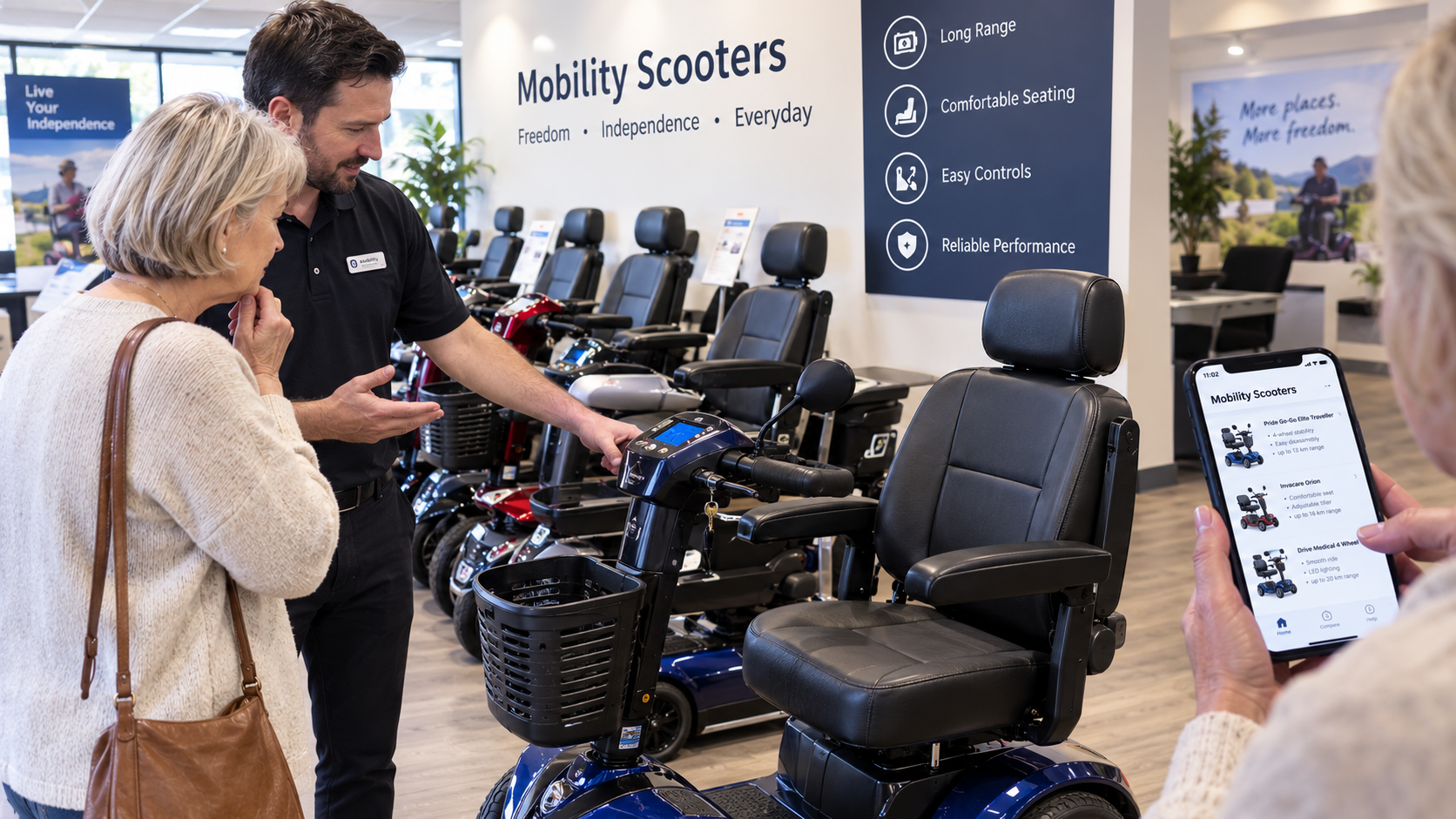
Low vision friendly scooter features aren't a marketing gimmick, and they're not about finding a “special” scooter. They're about matching a specific set of design choices—contrast, lighting, feedback, and stability—to the way your eyes actually work.
Once you know what to look for, the fog starts to lift. Let's walk through it together, at your pace..
Reframing the Question: You Don't Need a Different Scooter—You Need the Right Features
Most Page 1 search results advice tells you to “consult a professional” and leaves it there. That's not wrong, but it's incomplete, and it leaves you stuck in a loop of vague warnings.
The more useful question is: which features compensate for which visual challenges? A scooter with a high-contrast display doesn't fix low vision, but it removes one daily friction point. A bright LED lighting package doesn't restore your night vision, but it makes you visible to others. These aren't small things—they're the difference between a scooter you avoid and a scooter you trust.
Think of it as building a toolkit rather than hunting for a unicorn. And the toolkit starts, as most things do, with the bit you touch first—the controls.
The Low-Vision Feature Checklist: What to Look For (and Why)
This is the heart of the matter. Below is a practical audit you can take to a dealer, an occupational therapist (OT), or a family conversation. Not every scooter will tick every box, but the more boxes it ticks, the more confident you'll feel.
1. Controls and Displays: Contrast Is Everything
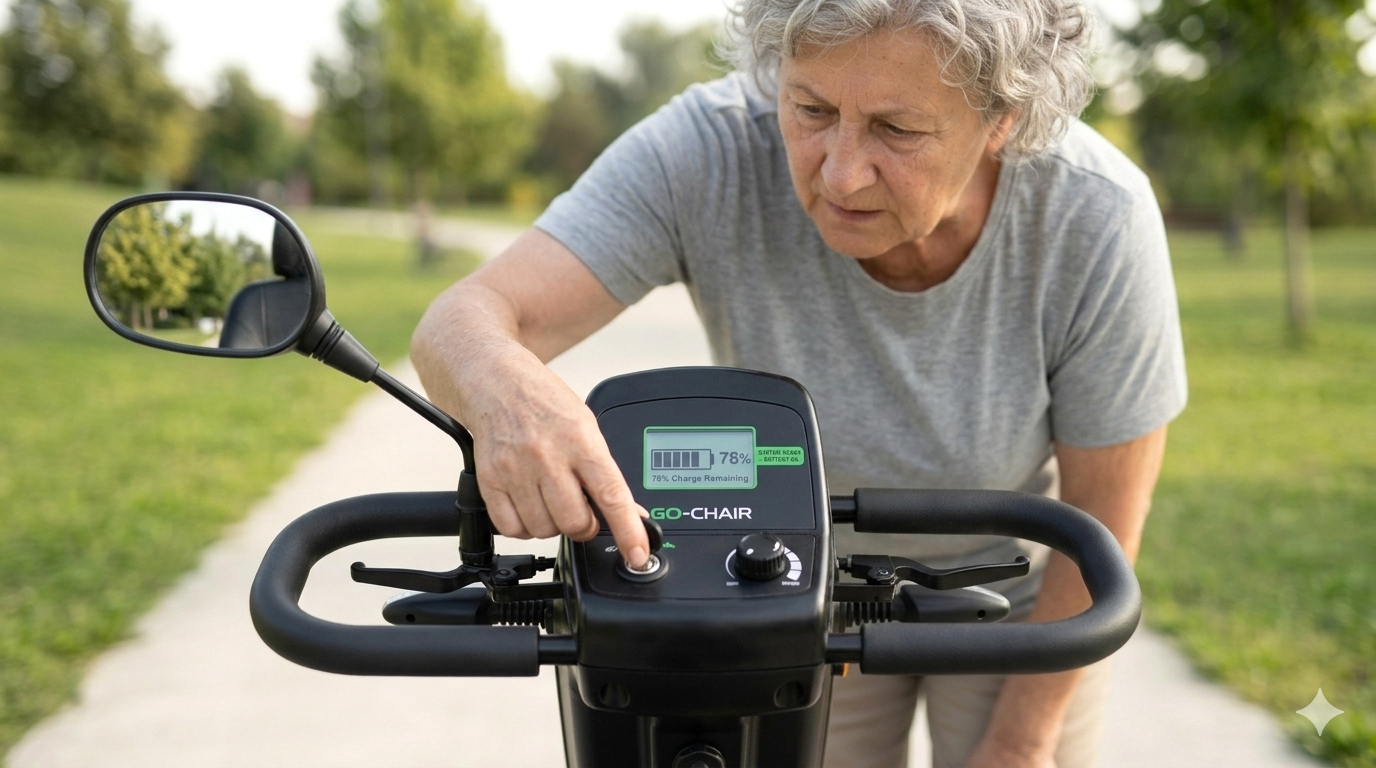
Small grey buttons on a shiny grey panel are functionally invisible for many people with low vision. What helps? High-contrast controls—light text on a dark background, or dark on light—with large, clearly separated buttons. A display with a sun hood or anti-glare cover makes a real difference in daylight, because glare washes out even a bright screen.
Some scooters now offer light-sensitive displays that adjust automatically to ambient brightness, which is a quiet but meaningful win. If you want the full breakdown of contrast, font size, and backlighting, our guide to mobility scooter display features that are most readable for low vision is the natural next step.
Then there's the tiller itself—the shape your hands live on. A delta tiller wraps around your hands with throttle and brake integrated into the wings, keeping both hands engaged. A T-bar tiller is a straight bar with separate levers, and it often suits people who prefer an upright, two-handed grip or who find the delta shape hard to navigate by touch.
For low vision, the deciding factor is whether you can tell the controls apart without looking down—distinct switch shapes, tactile differences between indicator and horn, and a layout where your thumbs land naturally on the right button.
Our guide to mobility scooter control features that help with low vision covers tiller layout, distinct switches, and tactile feedback in detail.(Coming Soon!)
Once your hands know where things are, the next question is whether other people can see you.
2. Lighting and Visibility: Being Seen Matters as Much as Seeing
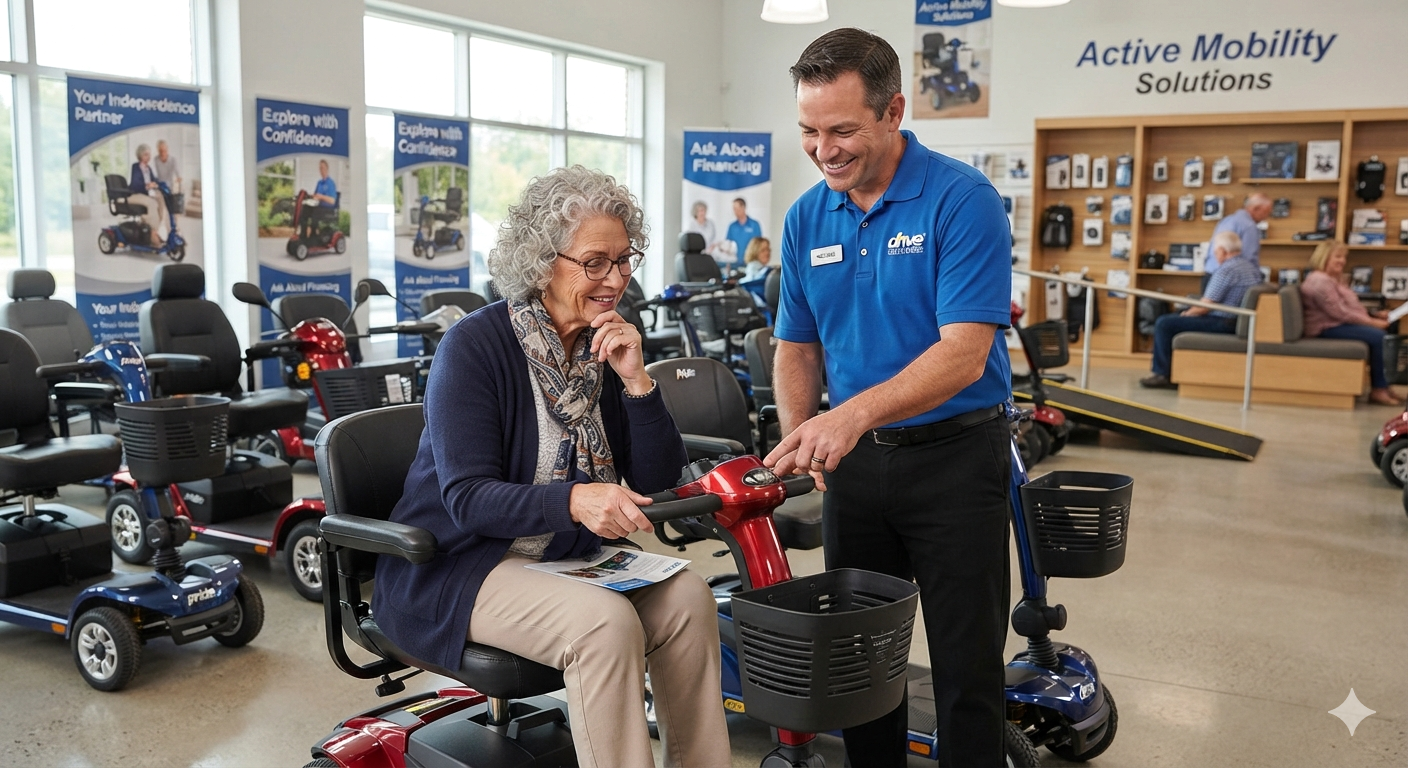
You need to see the path, but you also need to be seen. Look for bright LED headlights (not dim incandescent bulbs), high-mounted brake and turn signals, and reflective body panels. Some scooters include sequential turn signals and puddle lights that illuminate the ground beside the scooter—genuinely useful for spotting kerbs around 10–15 cm high and uneven surfaces at night. The goal is not to turn the scooter into a Christmas tree; it's to reduce the moments where you (or someone else) don't see what's coming.
And here's a myth worth retiring: bright LEDs aren't automatically better. A narrow, over-bright beam can bounce glare back off wet pavement and dazzle pedestrians, while a wide, low-aimed beam actually helps you read the ground ahead. What you want is daytime visibility plus night-time clarity—and our guide to lighting and visibility features for low-vision riders walks through that day-versus-night balance properly. (Coming Soon!)
Speaking of glare, that deserves its own section.
3. Glare Management: The Feature Nobody Talks About
Glare is the quiet saboteur of low-vision scooter use. It comes from three places: the display, the mirrors, and the sun itself. A matte or anti-glare dash cover helps with the first. Adjustable mirror angles help with the second—you want to be able to tilt a mirror away from the sun without losing your rear view.
And a canopy or sun hood can help with the third, provided it doesn't cut into your visual field. The test is simple: sit on the scooter facing the sun. Can you still read the display and see the path edge?
If not, the glare strategy isn't working—and no amount of “modern styling” will rescue it.
4. Auditory and Tactile Feedback: When Your Ears and Hands Help Your Eyes
Not every helpful feature is visual. Audible turn signal clicks, battery warning beeps, and voice alerts for low battery or hazard conditions give you information without requiring you to read a screen. A horn you can find by touch—loud enough to be heard in a shopping centre, distinct from the indicator click—is a safety feature, not a courtesy. A reverse beeper warns others when you're backing up, which quietly protects you too. Some scooters even offer voice prompt volume adjustment, so feedback stays audible without becoming overwhelming.
The key word is distinct. If the horn, the indicator, and the low-battery alert all sound similar, or if they're so quiet you can't hear them over ambient noise, they're not doing their job. Test them in a noisy space, not a silent showroom—and our guide to sounds and alerts for low-vision scooter users, including horn loudness and indicator clicks, will help you know what “good” actually sounds like. (Coming Soon!)
From sound, let's move to the features that keep the ride steady.
5. Stability and Environmental Compensation
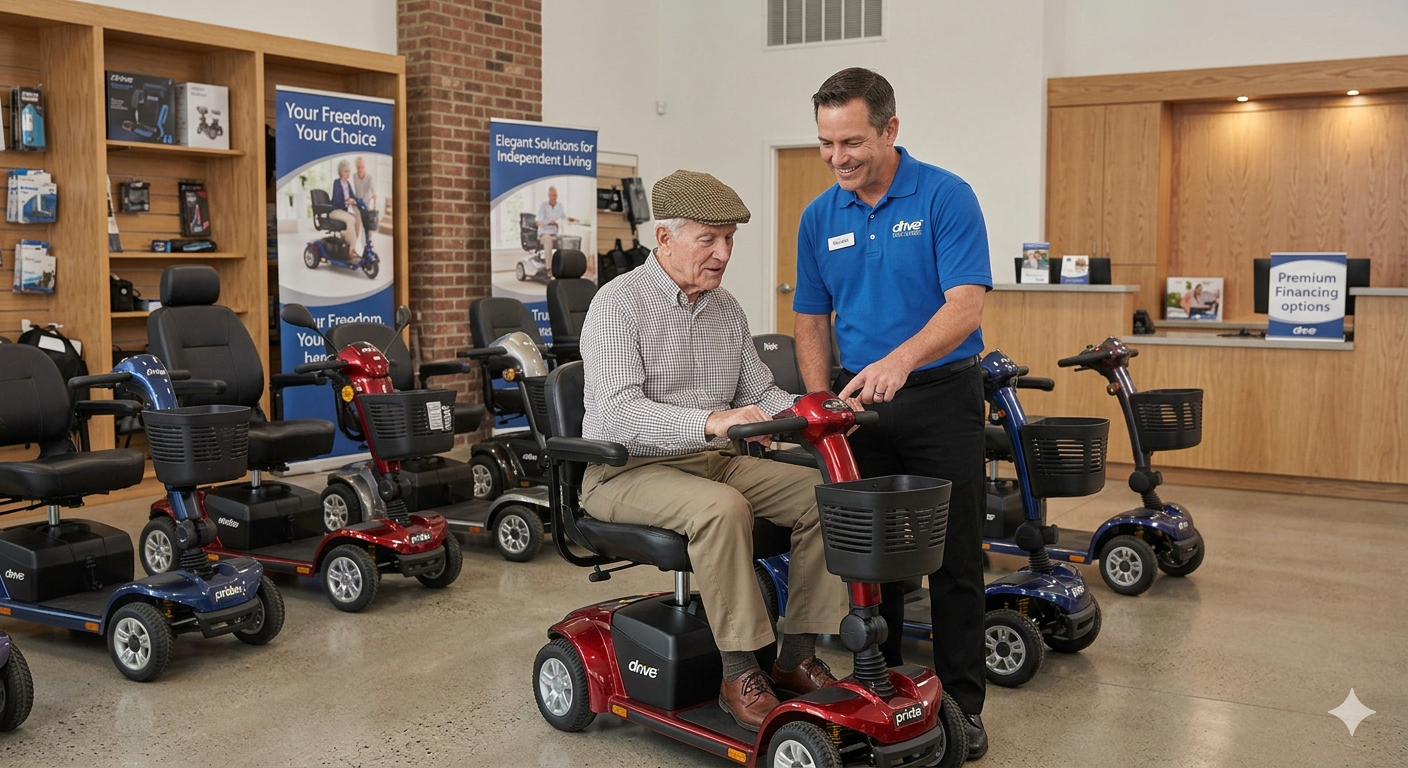
Low vision often means delayed hazard detection—you see the pothole a second later than someone with typical vision. Features that compensate for that delay matter. A wider wheelbase, responsive suspension, and pneumatic tyres absorb vibration rather than transmitting every bump through the frame. Vibration doesn't just cause discomfort; it creates visual shake, which makes it harder to read the path ahead. A smoother ride is a clearer ride.
Wheel count fits here too. Four-wheelers are generally more stable on uneven ground and cambers; three-wheelers turn tighter indoors. For most low-vision riders, stability wins over agility, because a planted scooter gives you the confidence to look ahead rather than down at your feet.
Turning radius matters less for tight corners than for predictability—a responsive, calm turn reduces mental load in busy spaces. And speed limiting plus anti-tip design are the quiet confidence-builders: low-speed modes and smooth progressive acceleration instead of a sudden surge.
Our guides to stability confidence features like speed limiting and anti-tip design and to choosing tyres and suspension for low vision comfort go deeper if you want the detail. (Coming Soon!)
But there are a few more everyday features worth a moment.
6. Seat, Posture, and Storage: The Quiet Comfort Features
Seat height and positioning quietly shape how much of the path you can see. You want a height that lets you view the path edge and nearby obstacles without leaning forward, adjustable armrests for support, and a swivel seat so you can position yourself before moving off. A headrest helps with fatigue on longer trips but shouldn't restrict your view when you turn to check behind.
Storage matters more than people expect. If you struggle to see small items, a deep dark basket becomes a lucky dip. Light-coloured or high-contrast basket liners, open-front baskets, and compartmented storage mean keys, purses, and medication don't vanish into a black hole. Small things, yes—but they're the ones that shape your daily mood.
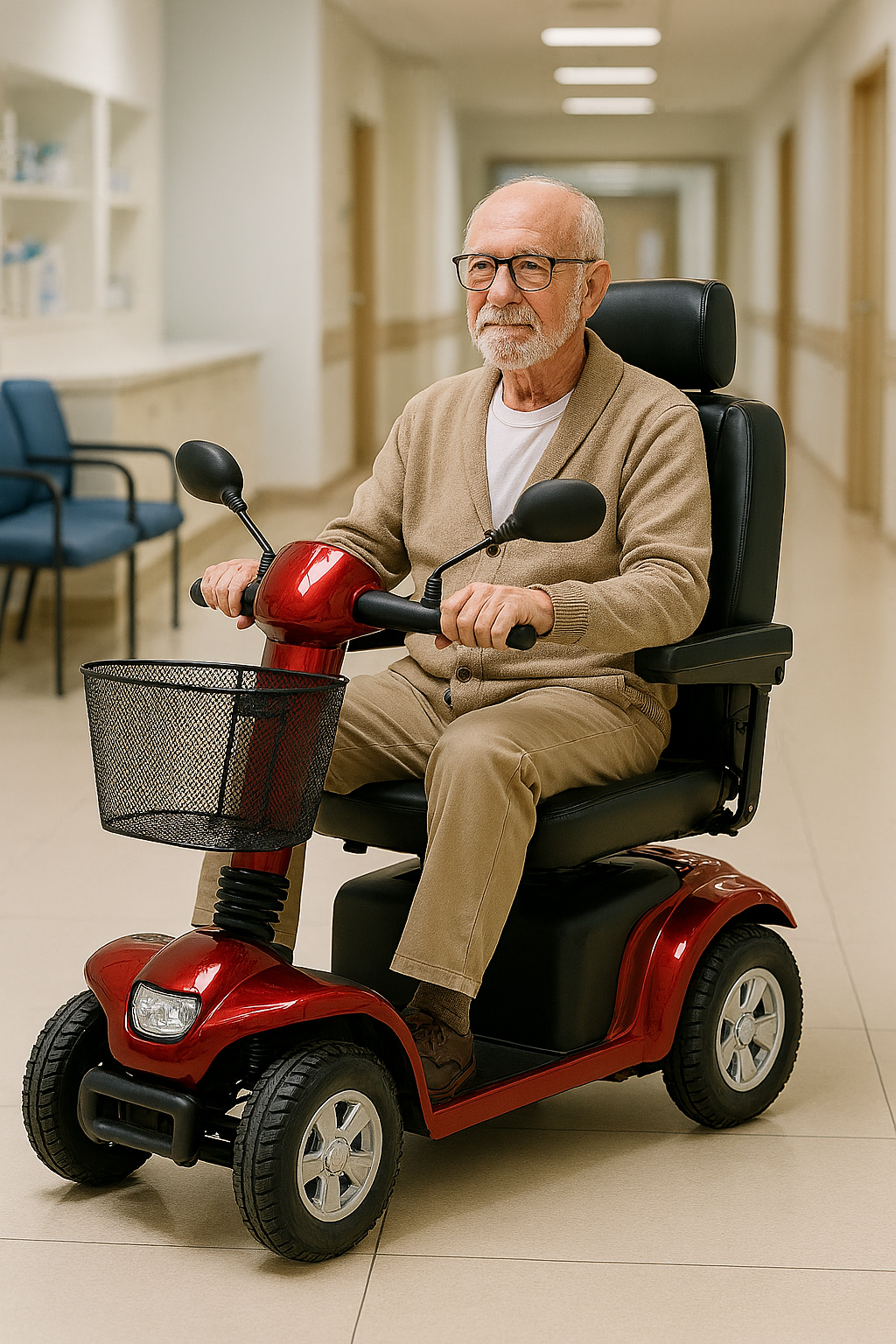
Matching Features to Your Visual Profile
Not all low vision is the same, and your feature priorities should shift accordingly. Here's a simplified way to think about it:
- Central vision loss (e.g., macular degeneration): Prioritise high-contrast controls, large-text displays, and tactile markers on frequently used buttons.
- Peripheral field loss (e.g., glaucoma, tunnel vision): Prioritise wide-angle lighting, well-positioned mirrors, and a stable, predictable steering feel so you're not constantly surprised by movement at the edges.
- General blur or light sensitivity: Prioritise glare reduction, anti-glare displays, and adjustable tiller angles to reduce sun reflection.
This isn't a diagnostic tool—it's a conversation starter for your OT or dealer. And speaking of dealers, it's time to put all this into a real-world test.
The Dealer Demo: Questions That Change the Conversation
When you're standing in front of a scooter, don't ask “is this good for low vision?” That question is too easy to answer with a vague yes. Ask instead: “Can I see the battery gauge without leaning forward? Can I tell the turn signal button from the horn button by touch alone? How does the display look when the sun is directly behind me? What's the turning radius, and can we test it?” These are specific, observable, and they force a real answer.
Don't just ride it around the showroom floor, either. Sit and adjust first, find the controls by touch, ride toward daylight, practise a slow turn and a stop, and listen for the indicator clicks in ambient noise.
Our full low-vision-focused test drive checklist walks through each step in order. (Coming Soon!) A good dealer will welcome these questions. A bad one will change the subject—and that tells you something too.
Parking, Re-Finding, and Simple Carer Tweaks
Low vision doesn't stop when you dismount. Finding your scooter in a crowded shopping centre or a busy car park is a genuine challenge. A high-contrast frame colour or a reflective accessory can help you spot it from a distance. A simple locking routine—same pocket, same motion, every time—reduces cognitive load and anxiety. Some people use a bright ribbon or a small flag on the tiller, not for visibility while riding, but for findability while parked. It's a small hack with a big confidence payoff.
Carers can help without modifying anything permanent: high-contrast adhesive labels on non-critical surfaces, tactile markers (small raised dots) on key buttons, and a consistent setup routine—same seat height, same tiller angle, every time. Just avoid covering vents, sensors, or warning labels, and check with the dealer before adding anything adhesive.
For a fuller list, see our guide to carer tweaks that make a scooter easier to use with low vision. (Coming Soon!)
And once the scooter is set up, the next step is yours.
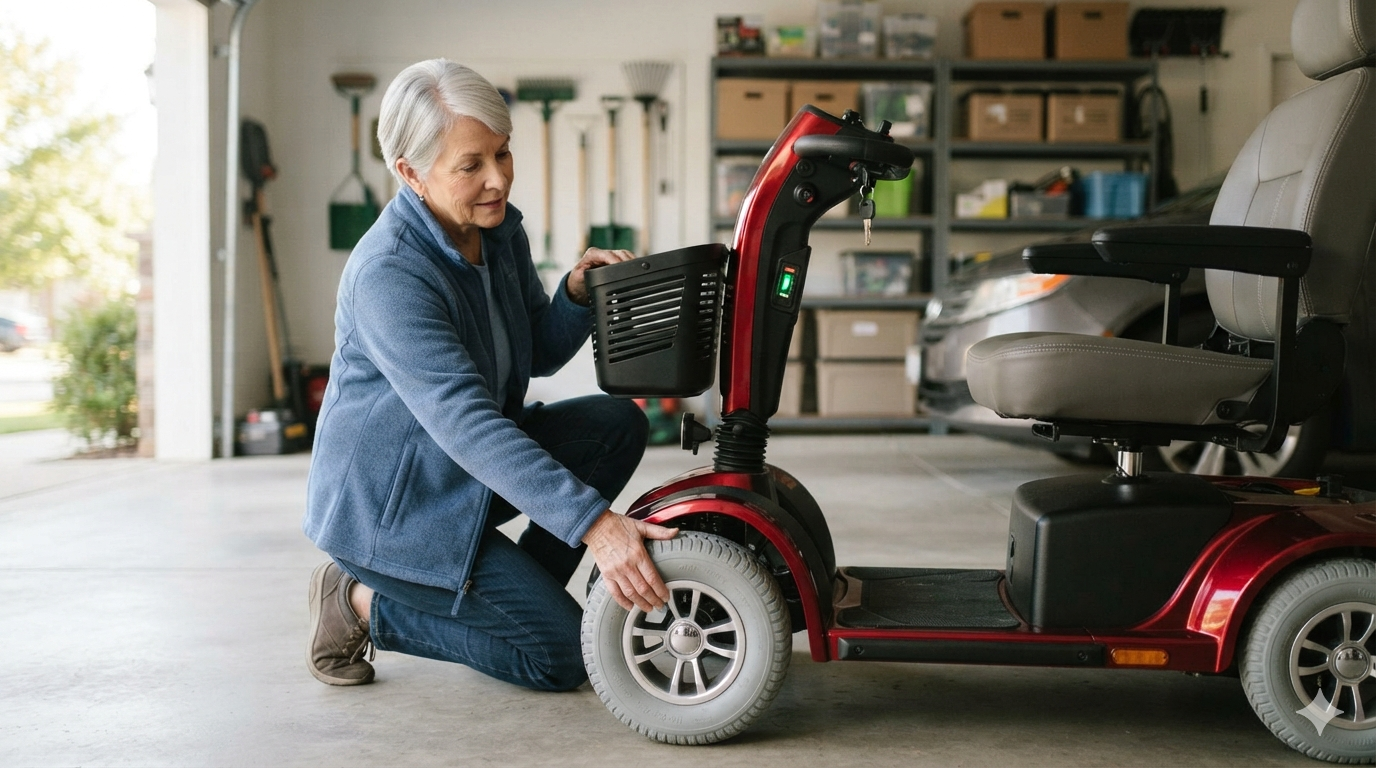
Building Confidence: Practice, Not Perfection
Confidence doesn't come from reading a brochure. It comes from short, low-stakes practice sessions—an empty car park, a quiet footpath, a familiar route—where you can test the controls, get used to the braking feel, and learn how the scooter responds before you add traffic or crowds.
Many low-vision riders benefit from structured training with an OT or mobility specialist, not because they're incapable, but because repetition in a safe environment builds the mental map that makes independent riding possible. You're not being over-cautious. You're being smart.
When to Bring in an Occupational Therapist
An OT isn't a gatekeeper designed to tell you “no.” A good OT is a translator—someone who can assess your visual scanning ability, your reaction time, and your functional goals, and then help you match those to a device and a training plan.
The assessment usually involves a conversation about where and how you want to use the scooter, a clinical review of vision and cognition, and an on-device trial that may span more than one session. If low vision is part of your decision, this is not a box to tick reluctantly—it's a resource to use deliberately.
And if you're weighing up device types, our comparison of mobility scooter vs power wheelchair for low vision, covering safety and ease of control, is a useful companion read. (Coming Soon!) The right OT will make the whole process feel less like a test and more like a plan.
A Final Word (Before the FAQs)
You've just walked through a lot of detail. Take a breath. You don't have to remember every bullet point. The core message is simpler than the checklist: the right features reduce friction, and reduced friction restores independence. You are not asking for too much by wanting a scooter you can actually see, read, and trust. You're asking for the baseline.
And now you know what that baseline looks like.

Frequently Asked Questions
What “low vision” challenges matter most when choosing a mobility scooter?
The big four are reduced contrast sensitivity, central vision loss (small text and displays), peripheral field loss (sudden hazards at the edges), and glare or light sensitivity. Each points to different feature priorities, so identify yours first—ideally with an OT.
Can you use a mobility scooter if you have low vision?
Many people do, safely and independently. The first check isn't the scooter—it's your functional vision for scanning and hazard detection. Once that's reviewed, you can move on to feature matching.
What are the biggest safety risks for low-vision scooter users?
Delayed hazard detection (kerbs, potholes, bollards), being unseen in low light, control confusion between similar buttons, and glare washing out the display. Every feature in this guide responds to one of those risks.
Which is easier with low vision: a delta tiller or a T-bar tiller?
It depends on your grip and whether you can distinguish controls by touch. Delta tillers keep both hands integrated; T-bars suit upright two-handed grips. Test both by feel, without looking, before deciding.
What speed features help most for low-vision riders?
Low-speed modes, smooth progressive acceleration instead of a sudden surge, and reliable speed limiting (often around 6–8 km/h in low-speed settings). Predictability matters more than top speed.
Are mobility scooters with bright LED lights always better for low vision?
No. Well-aimed, wide, low beams help; narrow over-bright beams can bounce glare off wet surfaces and dazzle others. Look for daytime running lights plus wide, downward-angled night lighting.
What horn/buzzer features should I look for if I have low vision?
A loud, distinct horn you can find by touch without looking down, plus clearly different sounds for indicators and reverse. Test them in a noisy space, not a silent showroom.
Do mobility scooter dashboards/displays vary much for readability?
Enormously. High contrast, large fonts, adjustable or automatic backlighting, and matte surfaces make the difference. Glossy screens become unreadable in sunlight, so always test facing a window.
Is a 3-wheel or 4-wheel mobility scooter better for low vision?
Four wheels generally offer more stability on uneven ground and cambers; three wheels turn tighter indoors. For most low-vision riders, stability wins over agility.
What turning radius features help with low vision (and why)?
A predictable, responsive turn reduces mental load in busy spaces—you're not fighting the steering while scanning for hazards. Ask for the turning radius figure and test it in a confined area.
Do mirrors help if you have low vision, or do they add confusion?
They help when adjustable and glare-resistant, and hinder when fixed, vibrating, or catching the sun. Many riders layer mirrors with head turns and sound awareness rather than relying on any one method.
What seat and posture features matter for low vision (height, swivel, headrest)?
A height that lets you see the path edge without leaning, adjustable armrests, and a swivel seat for positioning before you move. A headrest helps fatigue but shouldn't block your view when you turn.
What suspension/ride-comfort features reduce “visual shake” and fatigue?
Pneumatic tyres and responsive suspension absorb vibration that otherwise transmits through the frame and blurs your view. A smoother ride is a clearer ride—literally.
How important are tyres (pneumatic vs solid) for low-vision confidence?
Quite important. Pneumatic tyres cushion bumps and reduce visual shake; solid tyres are maintenance-free but harsher. Test both on an uneven surface if you can.
What storage/basket features help if you struggle to see small items?
Light-coloured or high-contrast liners, open-front baskets rather than deep enclosed ones, and compartmented storage so keys, purses, and medication don't vanish into a dark space.
What's the role of an occupational therapist (OT) in scooter selection for low vision?
An OT assesses functional vision, reaction time, and goals, then matches those to a device and a training plan—ideally before you buy, not after. They translate clinical reality into practical feature choices.
What questions should a carer ask a dealer when shopping for a low-vision user?
Ask about daylight display readability, distinguishing controls by touch, kerb handling, turning radius, and whether a test drive in real light conditions is possible. Specific questions get honest answers.
What quick “red flags” mean a scooter is a poor match for low vision?
Grey-on-grey controls, glossy unreadable screens, a horn you can't locate by feel, dim or missing indicators, a tiller that forces leaning to read the dash, or a dealer who dodges visibility questions.
Stay mobile, stay confident!
Sign up for our monthly Mobility Scooter Newsletter to receive practical guides, expert advice, and inspiring stories that help you make the most of your scooter and download our free "Mobility Scooter Guide for Beginners."
Don't worry — your e-mail address is totally secure.
I promise to use it only to send you our newsletter, "Mobility Matters."
Recent Articles


-
The Low Vision Friendly Scooter Features Nobody Explains
Oct 27, 26 07:56 AM
 Low vision friendly scooter features that reduce risk and restore independence—without jargon, guesswork, or pressure.
 -
The Mobility Scooter Display Features Nobody Explains Clearly
Oct 27, 26 07:54 AM
Mobility scooter display features that are most readable for low vision—contrast, font size, and backlighting, explained simply and practically. -
What Should I Do in a Shopping-Centre Emergency on a Scooter?
Oct 22, 26 07:22 AM
 What should I do in a shopping-centre emergency (evacuation/alarm) if I’m on a mobility scooter? Practical advice for a frightening moment.

Ready to Feel More Confident on Your Mobility Scooter?

My Ebook, The Ultimate Guide to Mobility Scooters, walks you through choosing the right scooter, using it safely, and keeping it in top condition — all explained in clear, friendly language.
Give yourself (or someone you love) the gift of independence.




