- Home
- Health Needs Fit
- Low Vision Friendly Scooter Features
- Mobility Scooter Control Features
Mobility Scooter Control Features That Help With Low Vision
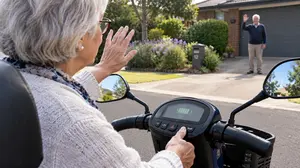
Picture this. You're pulling out of your driveway, and a neighbour waves. You want to wave back, but your thumb is hovering over the tiller, trying to remember which button is the horn and which is the indicator—and you can't look down because you need to watch the path. You press one, and the scooter beeps instead of clicking. It's a small moment, but it's the kind of moment that erodes confidence.
The right mobility scooter control features that help with low vision are designed to prevent exactly this: the fumble, the guess, the quiet embarrassment of pressing the wrong thing. And once you know what to look for, those moments become far less frequent.
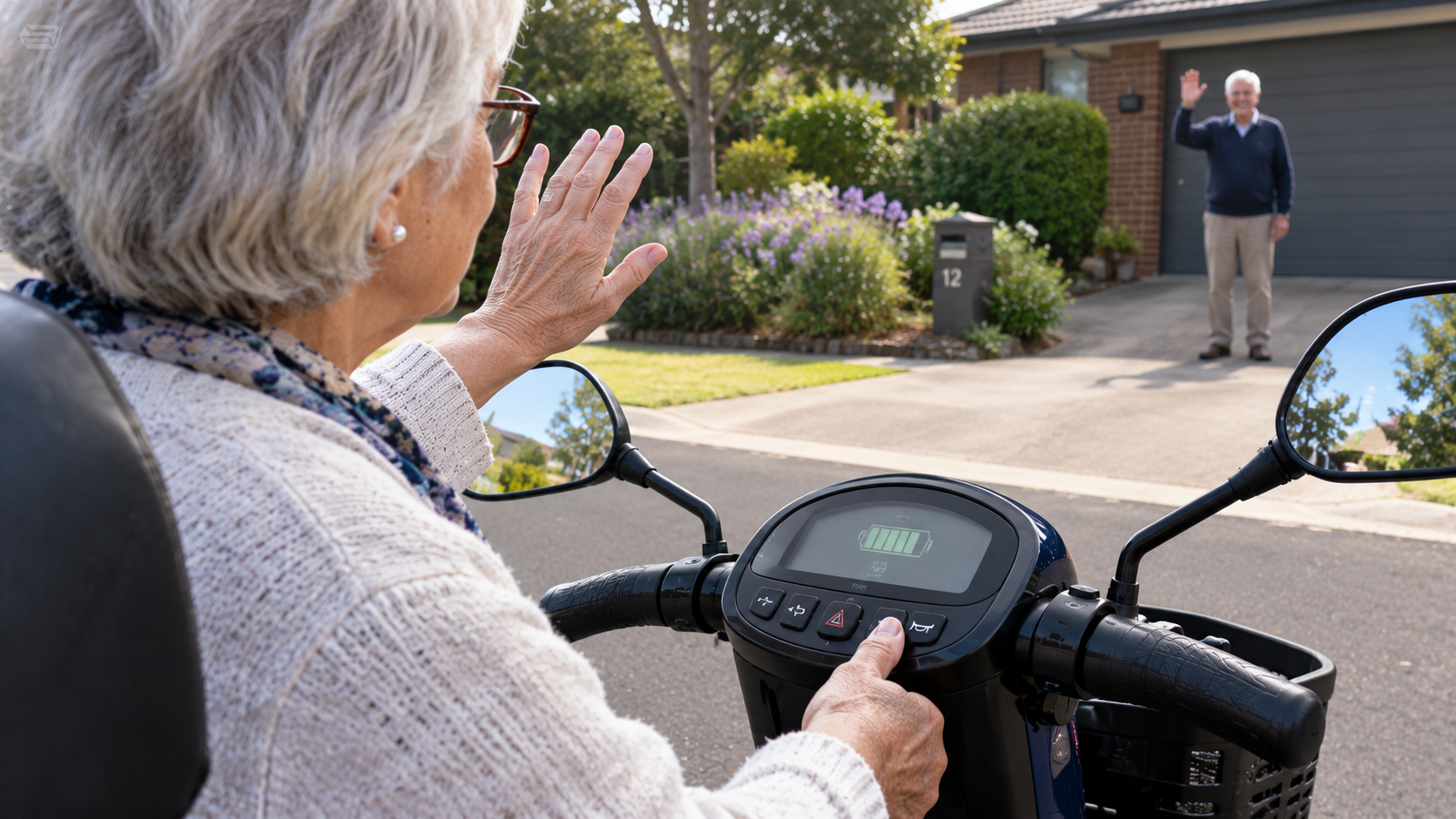
Control features are not about making a scooter look futuristic. They are about letting your hands do the work your eyes shouldn't have to. If you can find the horn, the indicator, and the throttle by touch, you free your vision for the path ahead. That's the whole game.
Let's walk through it together, starting with the part your hands grip first.
Why Control Layout Matters More Than You Think
Your hands live on the tiller. Every second you spend looking down to find a button is a second you're not scanning for kerbs, bollards, or a pedestrian stepping out.
Research on mobility scooter use consistently points to contrast sensitivity and visual scanning as key factors in safe driving, and control confusion quietly adds to that cognitive load. If the horn and the indicator feel identical under your thumb, your brain has to stop, look, and decide—and that pause is exactly when hazards sneak up.
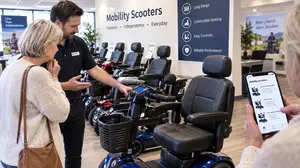
The good news is that control layout is one of the most testable things about a scooter. You don't need a spec sheet to know whether a layout works for you. You need five minutes and a dealer who will let you sit and explore.
And the first decision is the shape of the thing your hands hold.
Delta Tiller vs T-Bar: Which Layout Suits Low Vision?
A delta tiller wraps around your hands in a D-shape, with throttle and brake levers integrated into the wings. A T-bar tiller is a straight bar with separate levers, closer to a bicycle or motorcycle grip. Both have strengths, but for low vision the question is simpler: which one lets you find and distinguish the controls without looking down?
Delta tillers are the more popular choice for riders with hand-dexterity issues, and research conducted by Pride Mobility found the delta design is the most preferred by consumers. The wraparound shape gives you two points of control for each hand—ahead of the throttle and behind it—so you can rest your arm below the wrist while steering from the forward handle, and still steer from the rear handgrip. That matters for low vision because it gives your hands more tactile landmarks to orient by. You can feel where you are on the tiller without needing to see it.
T-bar tillers, by contrast, may feel more natural to riders who prefer an upright, two-handed grip, but the controls are often placed on the handlebars, which can make them harder to use when you're turning on full lock. If your hands are busy steering, finding a small button on a straight bar is harder than finding one on a wraparound wing.
The practical test is this: sit on the scooter, close your eyes, and try to find the horn, the indicator, and the throttle. If your hands know where they are, the tiller shape is working for you. If they don't, keep looking—and the next thing to examine is how the switches themselves are designed.
Distinct Switches: The Difference Between a Glance and a Guess
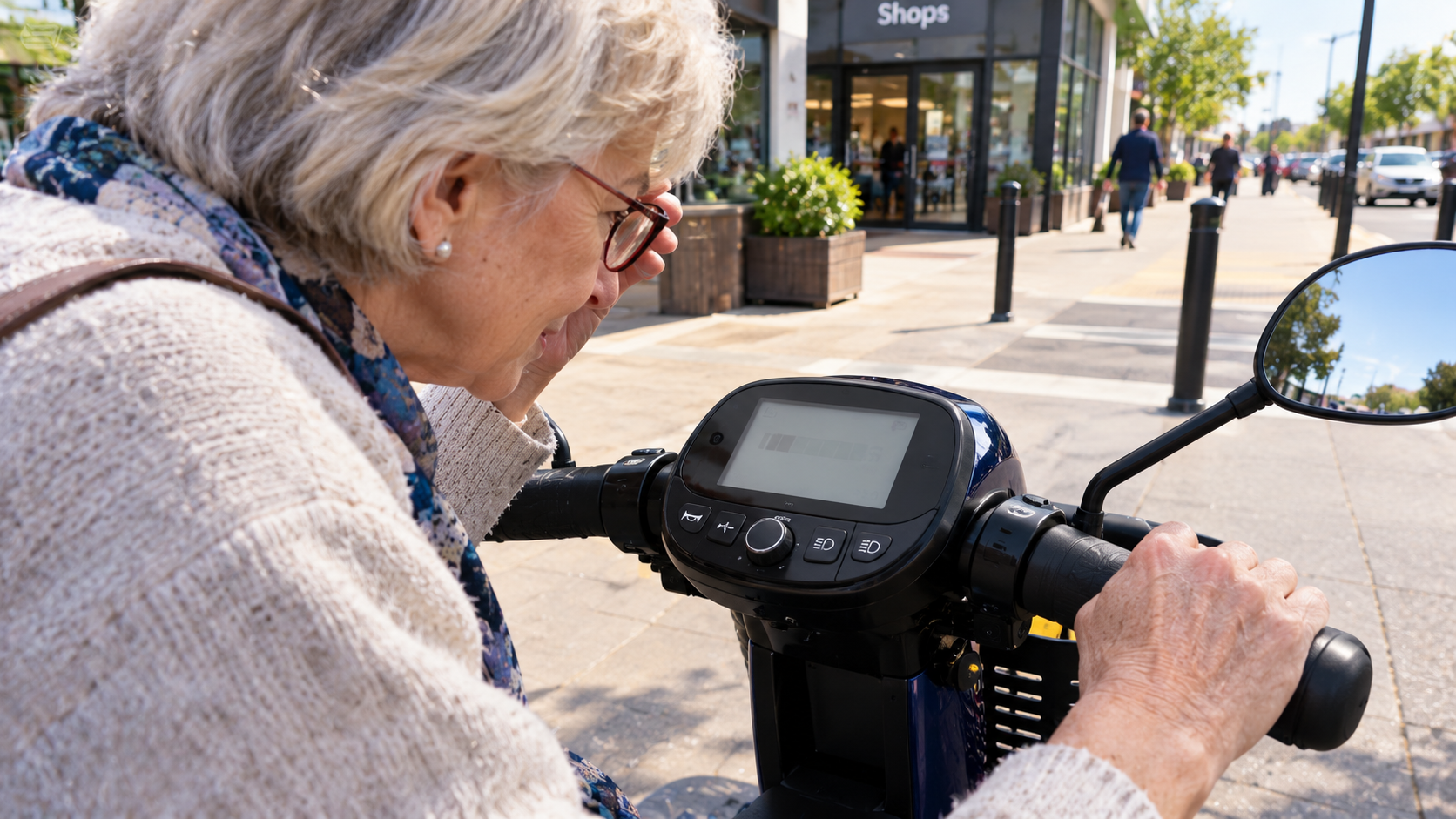
Not all buttons are created equal. A row of identical grey buttons is a low-vision nightmare; a panel with different shapes, sizes, and positions is a quiet kind of accessibility. The RIDC's guidance on scooter controls is blunt about this: check whether you can see all the controls, reach them with at least one hand, understand what they do, and whether colour helps you see the different controls more clearly. Some control panels have coloured buttons and lights, while others just have black and white buttons—and colours and lights can make controls more noticeable and help you remember what each button is for.
That's not cosmetic. Colour coding and shape differentiation are memory aids. If the horn is a raised round button and the indicator is a flat rectangular rocker, your thumb learns the difference in a way your eyes don't have to verify. If every button is the same shape and colour, you're back to guessing.
The best panels also separate critical controls so you're not accidentally hitting the hazard lights when you meant to slow down. Frequently used controls, like the horn, are sometimes placed on both sides of the panel so either hand can reach them—a small design choice that makes a big difference when one hand is occupied. When you're evaluating a scooter, ask yourself: can I tell these buttons apart with my eyes closed? If not, the switch design isn't doing its job—and tactile feedback is the next layer to check.
Tactile Feedback: When Your Fingers Do the Seeing
Tactile feedback is the unsung hero of low-vision scooter control. It can take several forms: raised symbols or dots on key buttons, different textures between the throttle and the brake, audible clicks when a button engages, and a horn you can locate by feel without looking down.
The principle is simple: your fingertips are excellent at detecting edges, bumps, and textures, and those sensations can replace some of the visual confirmation you'd otherwise need. A raised dot on the horn button means your thumb knows it's there before you press it. A distinct click when the indicator engages means you don't have to look down to confirm the signal is on. A textured grip on the tiller means your hands stay oriented even when you're turning.
Some scooters go further with audible turn signal clicks and distinct horn tones, which layer sound on top of touch. If the horn, the indicator, and the low-battery alert all sound similar, the feedback isn't doing its job—but if each has its own clear signature, you can operate the scooter with far less visual checking.
For a deeper look at sound as a control feature, our guide to sounds and alerts for low-vision scooter users (Coming Soon!) is the natural next read.
But tactile feedback isn't only about the buttons—it's also about reach.
Reach, Grip, and the One-Handed Question
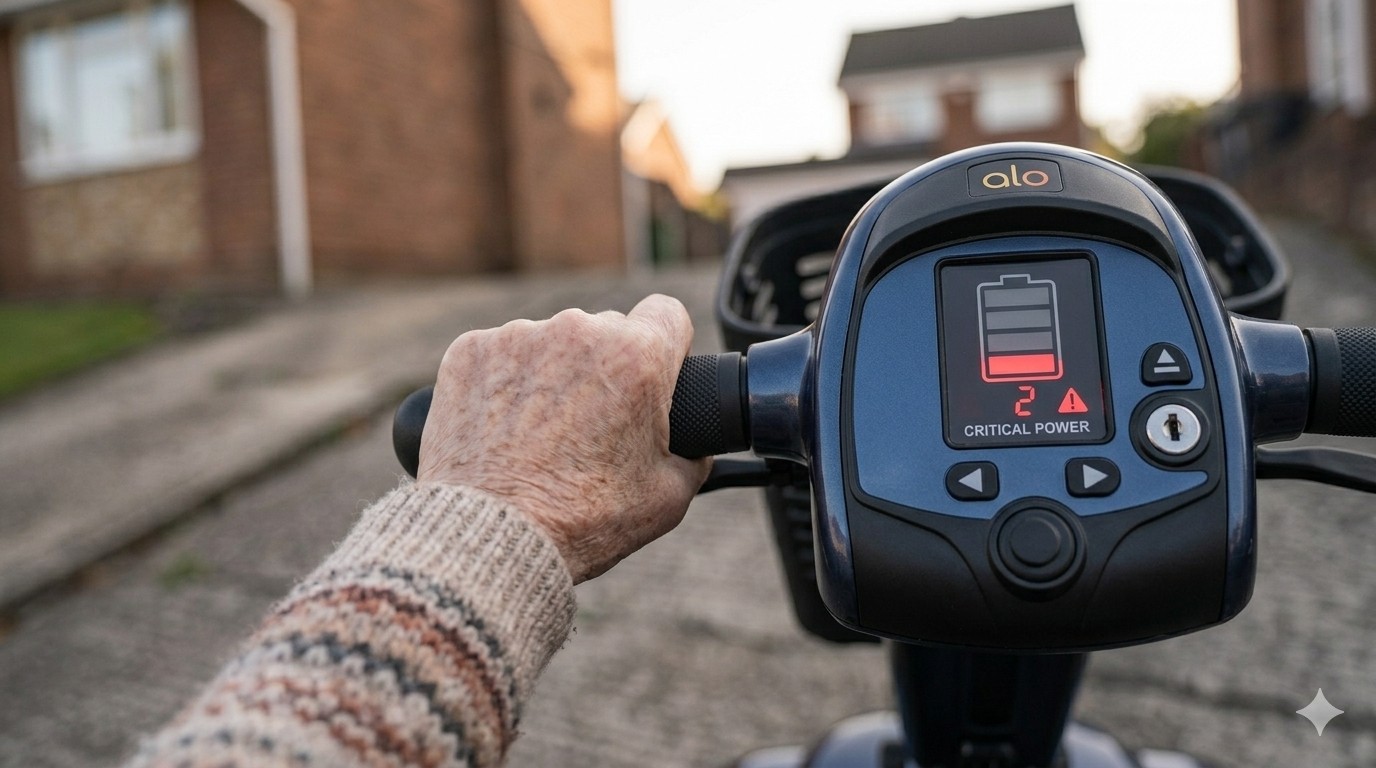
A control feature is only useful if you can reach it comfortably. The RIDC recommends trying as many different types of controls as possible to make sure you can reach everything, steer, and drive easily and confidently without pain or discomfort—and to think about your upper body strength, range of movement, coordination, grip, and dexterity in your hands and fingers.
For low vision, this matters because stretching to reach a control pulls your body out of position, which in turn changes what you can see. If the handlebars are too wide, you may struggle to reach the controls with your fingers, especially if you have a small hand span; smaller control panels often bring the handgrips closer together, so you don't need to reach out so far to turn the scooter. A scooter that fits your hands keeps your posture stable, and stable posture keeps your view of the path consistent.
One-handed operation is another quiet feature worth checking. A delta tiller can allow one-hand operation from either the left or right side, which is useful if you need your other hand for balance, a walking stick, or simply to gesture to a driver. If you can operate the scooter comfortably with one hand, you have a backup plan when the other hand is busy—and that's a confidence feature as much as a convenience one.
Once you've got the layout right, the next step is testing it in real conditions.
The Control-Focused Test Drive: What to Do Before You Buy
Don't just ride it around the showroom floor. Run a control-specific sequence:
- The eyes-closed check. Sit on the scooter and try to locate the horn, indicator, and throttle by touch alone. If you can't, the layout isn't working for you.
- The reach check. Adjust the tiller to a comfortable angle and see whether you can reach every control without stretching or leaning forward.
- The one-hand check. Try operating the throttle and brakes with one hand while the other rests. If it feels unstable, ask whether the tiller can be adjusted or whether another model suits you better.
- The sound check. Press the horn and the indicator in a noisy space. Are they distinct from each other? Can you hear them over ambient noise?
- The turn check. Turn the scooter on full lock and see whether you can still reach the controls you need while steering. If your hands are fighting the tiller, the layout isn't designed for real-world use.
This sequence is the heart of a proper low-vision-focused test drive, (Coming Soon!) and it's worth running on more than one scooter so you have a baseline for comparison. A good dealer will welcome these tests—and if you're weighing up a scooter against a power wheelchair, our comparison of mobility scooter vs power wheelchair for low vision (Coming Soon!) covers how control differences play out in practice.
A Final Word (Before You Go)
You don't need a perfect control panel. You need one where your hands know what to do without your eyes checking. Delta or T-bar, coloured switches or raised textures, one-handed operation or two—the right combination is the one that lets you keep your attention on the path, not on your thumbs.
The next time you sit on a scooter, you'll know exactly what to test.
Stay mobile, stay confident!
Sign up for our monthly Mobility Scooter Newsletter to receive practical guides, expert advice, and inspiring stories that help you make the most of your scooter and download our free "Mobility Scooter Guide for Beginners."
Don't worry — your e-mail address is totally secure.
I promise to use it only to send you our newsletter, "Mobility Matters."
Recent Articles


-
The Low Vision Friendly Scooter Features Nobody Explains
Oct 28, 26 07:03 AM
 Low vision friendly scooter features that reduce risk and restore independence—without jargon, guesswork, or pressure.
 -
The Lighting and Visibility Features Nobody Explains Properly
Oct 28, 26 07:01 AM
 Lighting and visibility features for low-vision scooter riders that actually help. Learn day vs night priorities, reflectors, and the demo tests that matter.
 -
The Mobility Scooter Control Features Nobody Explains Properly
Oct 28, 26 05:24 AM
Mobility scooter control features that help with low vision—tiller layout, distinct switches, and tactile feedback, explained simply and practically.
Ready to Feel More Confident on Your Mobility Scooter?

My Ebook, The Ultimate Guide to Mobility Scooters, walks you through choosing the right scooter, using it safely, and keeping it in top condition — all explained in clear, friendly language.
Give yourself (or someone you love) the gift of independence.




